


Draw a rectangle around a transfer lane on a screen and it looks as if everything inside should be visible. A two dimensional scanner sees one plane through that rectangle. At axle height it may catch a wheel. Raise it to clear the wheel and the same scan can pass through the open frame of an empty cart. Mounting height can change the result more than moving the zone boundary.
Draw a side view of the aisle
Mark the proposed scan plane on a side view of the smallest empty carrier, a loaded carrier and any fixed equipment between the scanner and the lane. A load can overhang into the zone above the plane. A steel post can hide part of the lane behind it. Mark those hidden areas on the floor plan. If a place that matters is hidden, changing the programmed outline will still leave the obstruction in the way.
The industrial LiDAR scanner comparison separates scanners that report zone conditions from models that supply scan data. If a controller only needs to know whether something crosses a defined process area, zone outputs may meet the requirement. If the software needs to locate the object or see a contour, specify the measurement data it needs before choosing a scanner.
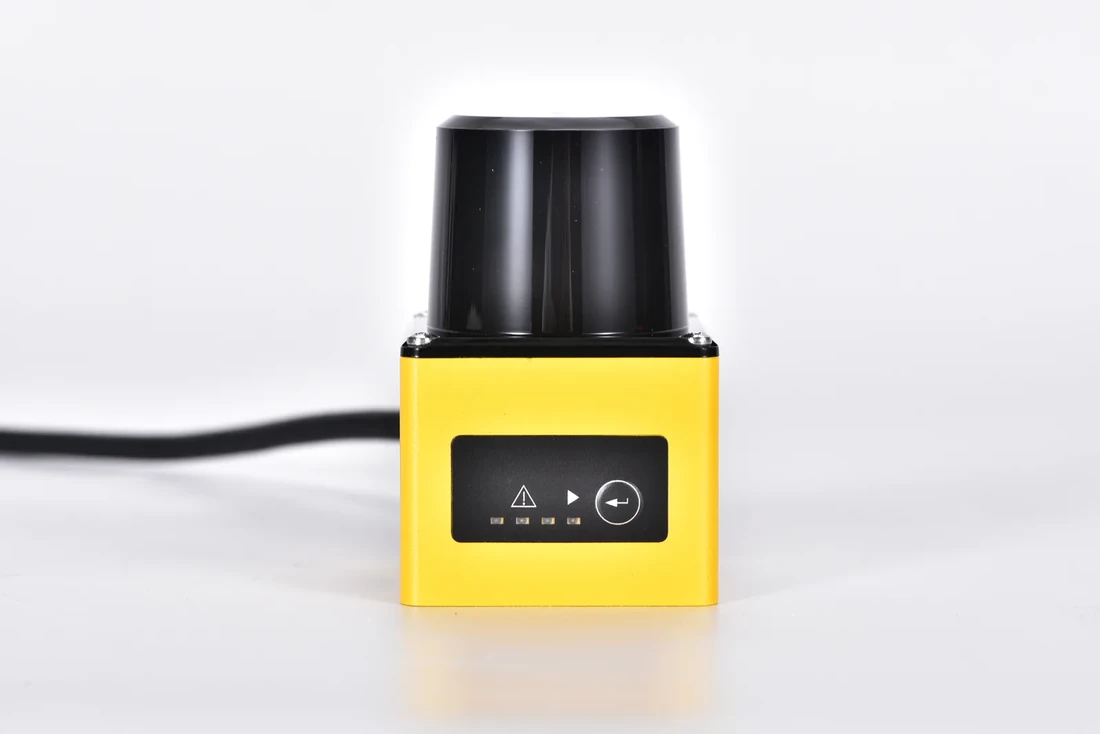
DLD05A3 industrial zone detection LiDAR
Test the corners with real carriers
The DLD05A3 zone detection scanner has a published 270 degree scan field and configurable zones with switching outputs. Use a drawing of the installation to find the part of that field that can actually see the lane. Keep the scanner, surrounding metalwork and carried loads in the drawing. Mounting beside a post can leave part of the advertised field unusable.
Move the smallest empty cart along each approach under controlled conditions. Include turns, shallow approaches and two carts in line. Check whether the expected zone indication appears at the needed location. Then introduce a nearby parked carrier and repeat. If the indication disappears behind that carrier, look for a mounting point with a clear view or add a second observation.
Define what the signal means
On the handover drawing, show the scan plane height, usable approaches, known obstructions and the condition each zone represents. Decide how the control system handles lost power, an unexpected device status or an invalid combination of output signals. A zone label such as stop describes an application decision. For this scanner, use the signal for ordinary process detection and assess any personnel protection separately. If the same aisle carries empty and loaded carts, record which physical surface should meet the scan plane on each approach. Loads can shift the first visible surface.
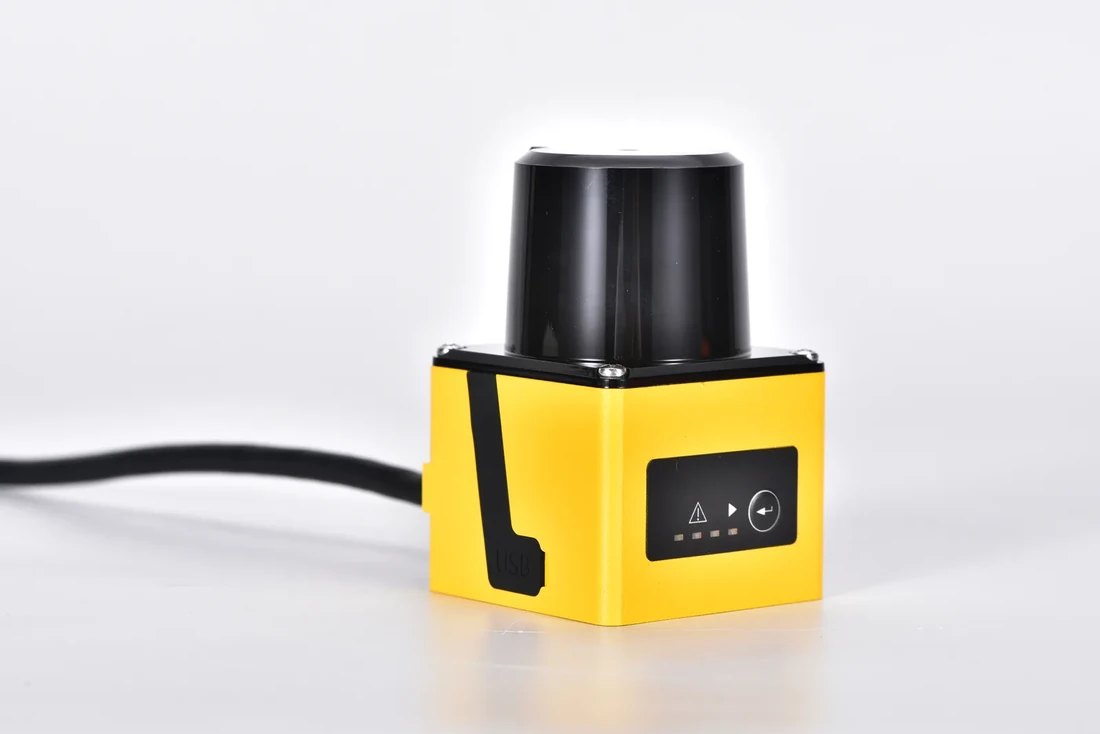
DLD05A3 sensor from a second angle